Route Optimization Software for Field Sales & Service Teams
Route optimization software is what turns a rep’s messy, backtracking route into a planned, efficient one — and it’s exactly what most field sales and service teams are missing. Picture a rep starting their morning by scrolling through a list of customer addresses, trying to figure out which one to hit first. By noon, they’ve crossed the same street twice, and across town another rep just visited a customer three blocks from where the first rep started. Nobody planned it that way — it just happened, because nobody actually planned the route at all.
This is the kind of thing that looks small on any given day but adds up fast. For businesses running field sales, service, or delivery teams, the order stops get visited in isn’t a minor detail. It decides how many customers get seen, how much fuel gets wasted, and how much revenue quietly slips away because a rep ran out of hours.
That’s the exact problem route optimization software is built to solve. In this article, we’ll cover what it does, why manual planning breaks down as a team grows, what to check for when comparing tools, and where it fits alongside GPS tracking, geofencing, and reporting — all things field force management software such as FieldExecutives is built around.
What Route Optimization Software Actually Does
At the simplest level, route optimization software takes a list of stops and works out the smartest order to visit them in — based on location, distance, priority, and time windows.
Instead of a manager sitting with a map, or a rep just guessing based on habit, the software runs that calculation in seconds. The result is a route that cuts wasted travel and fits more useful visits into the same working day.
This is a well-studied problem in operations research, known formally as the vehicle routing problem — a classic optimization challenge focused on finding the most efficient set of routes for a fleet serving multiple stops. Modern route optimization software applies that same logic to field sales and service scheduling.
Why Manual Route Planning Falls Apart
Manual planning works fine with five customers and one rep. It stops working the moment a business has multiple reps, dozens of stops a day, and territories that shift week to week.
Here’s what usually starts breaking:
- Reps crisscross the same area because the route wasn’t built around proximity.
- Some customers get visited constantly while others barely get touched.
- Managers have no real way of knowing whether a planned route was actually followed.
- Hours get burned every week building schedules by hand instead of selling or servicing anyone.
- In field service, a badly sequenced route can mean missing a promised time window entirely.
A 10% inefficiency in daily routing, spread across a 50-person team over a year, adds up to a lot of lost time — even if nobody notices it happening day to day. This is precisely the gap that route optimization software is designed to close.
Who Uses Route Optimization Software
It isn’t tied to one industry. Businesses using route optimization tools typically include:
- Field sales teams doing daily retailer or customer visits
- Field service teams handling repairs, installs, or maintenance
- Merchandising and distribution teams covering retail outlets
- Collection agents following up with customers for payments
- Pharma and FMCG reps working assigned territories
- Delivery teams juggling multiple stops a day
The details change by industry, but the core problem stays the same: get the right person to the right place at the right time, without wasting half the day getting there.
Key Benefits of Route Optimization Software
Less time on the road. Optimized routes group nearby stops together instead of zigzagging across a territory, meaning less driving and more time in front of customers.
More visits per day. Cut travel time and you free up more of the working day for actual visits — that adds up to meaningfully better coverage over a month.
More even territory coverage. Route optimization software makes sure every assigned customer gets visited on a sensible cycle, instead of the easy-to-reach accounts getting all the attention.
Better customer experience. For field service, tighter routing usually means technicians arrive closer to the promised window.
Planning based on data, not memory. The route comes from actual location data and visit history, not whatever a rep or manager remembers about the area.
Room to grow. As a business adds reps or territories, route planning stays systematic instead of becoming a bigger manual headache each quarter.
Manual Planning vs. Route Optimization Software
| Factor | Manual Planning | Route Optimization Software |
|---|---|---|
| Time to build a route | 20–30+ minutes per rep | Seconds |
| Accuracy | Depends on the planner’s local knowledge | Based on real location and distance data |
| Scalability | Falls apart with more reps or territories | Handles large teams easily |
| Visibility | Whatever got written down | Real-time comparison of planned vs. actual |
| Flexibility mid-day | Hard to adjust once set | Can re-optimize on the fly |
| Consistency | Varies by whoever’s planning it | Same logic applied across the team |
What to Look for in Route Optimization Software
Not every tool does the job equally well. A few things worth checking before you commit to one:
- Automated route planning — it should generate the route itself, not just hand you a map and leave the sequencing to you.
- Beat planning and territory management — especially for field sales, being able to define beats and assign customers consistently matters as much as the routing logic.
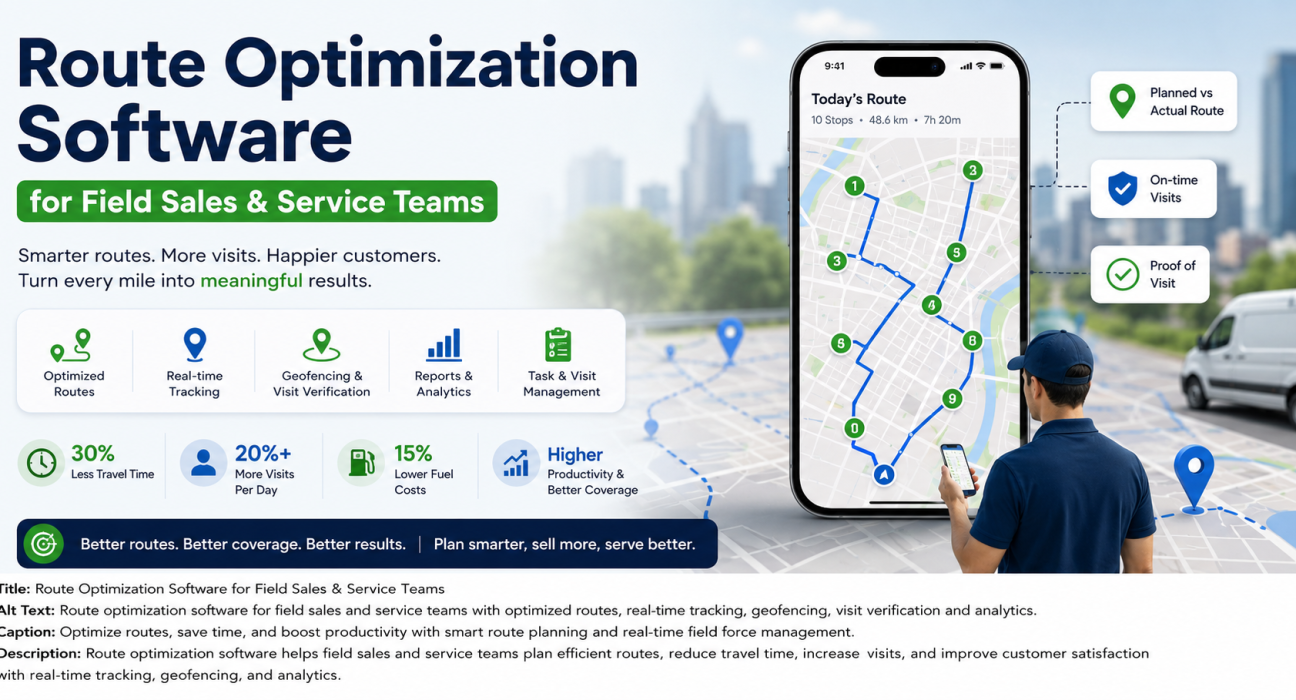
- Real-time GPS tracking — an optimized route only helps if you can see whether it’s actually being followed.
- Geofencing and visit verification — confirms a rep was physically at the location, not just that they tapped a button.
- Task and visit management — the route tells someone where to go; good software also attaches an objective to each stop.
- Reporting and analytics — without visibility into adherence and coverage over time, you’re just hoping the routing is working.
- A usable mobile app — if reps need help just to view their day’s route, the tool has failed at its job.
Where Route Optimization Fits Into Field Force Management
On its own, an optimized route just tells someone where to go. It doesn’t answer the questions that matter to a manager — did the rep get there? Was the visit worth anything? Is attendance being logged properly?
That’s why route optimization software works best as part of a bigger system rather than a standalone tool — as one piece of a full field force management platform.
Businesses trying to simplify this often use field force management software such as FieldExecutives, which brings route and beat planning together with real-time tracking, geofencing, and visit verification in one place. That means a manager isn’t just looking at a route that was supposed to happen — they’re seeing whether it did.
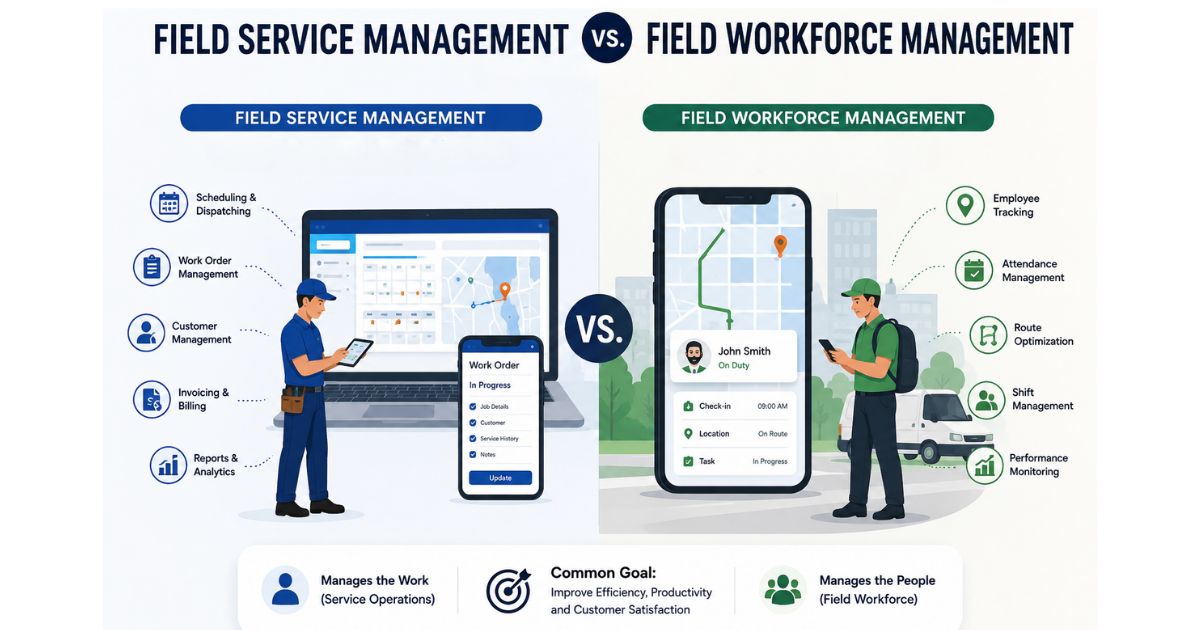
For sales-heavy operations, this ties closely into field sales management, while service businesses get more value from the field service management side of things, since SLA timing matters more there.
Best Practices for Using Route Optimization Software
- Start with clean address data — no amount of optimization fixes a wrong or vague location.
- Don’t optimize purely for distance; factor in priority too. A high-value customer sometimes needs to jump the queue ahead of what’s just nearby.
- Be realistic about visit duration. A route that looks efficient on paper falls apart if visit times were underestimated.
- Check adherence regularly through reporting rather than assuming routes are being followed.
- Build in flexibility. Traffic, rescheduled customers, and urgent requests all happen — a route that can’t adapt mid-day isn’t much of a plan.
- Train the team on the tool. It only helps if people actually use it.
Common Challenges and How Software Solves Them
Reps ignore the suggested route. Real-time tracking and adherence reporting fix this by making deviations visible as they happen, not a week later.
Routes don’t account for last-minute changes. Look for route optimization software that supports quick re-planning rather than a fixed morning-only schedule.
Managers can’t confirm a visit happened. Geofencing and location-based check-ins solve this directly — the rep has to be there for the check-in to register.
Data sits in a spreadsheet nobody looks at. Centralized reporting turns raw route and visit data into something a manager can act on — coverage gaps, time per visit, rep-to-rep comparisons.
Conclusion
Inefficient routing is one of those problems that doesn’t announce itself — it just shows up as wasted fuel, missed visits, and territories that quietly go uncovered. Route optimization software fixes the root of it, turning route planning from guesswork into something backed by actual data.
The real payoff shows up when route optimization software isn’t working alone — paired with GPS tracking, geofencing, and visit verification, a manager gets proof a route was followed, not just a plan that sounded good on paper.