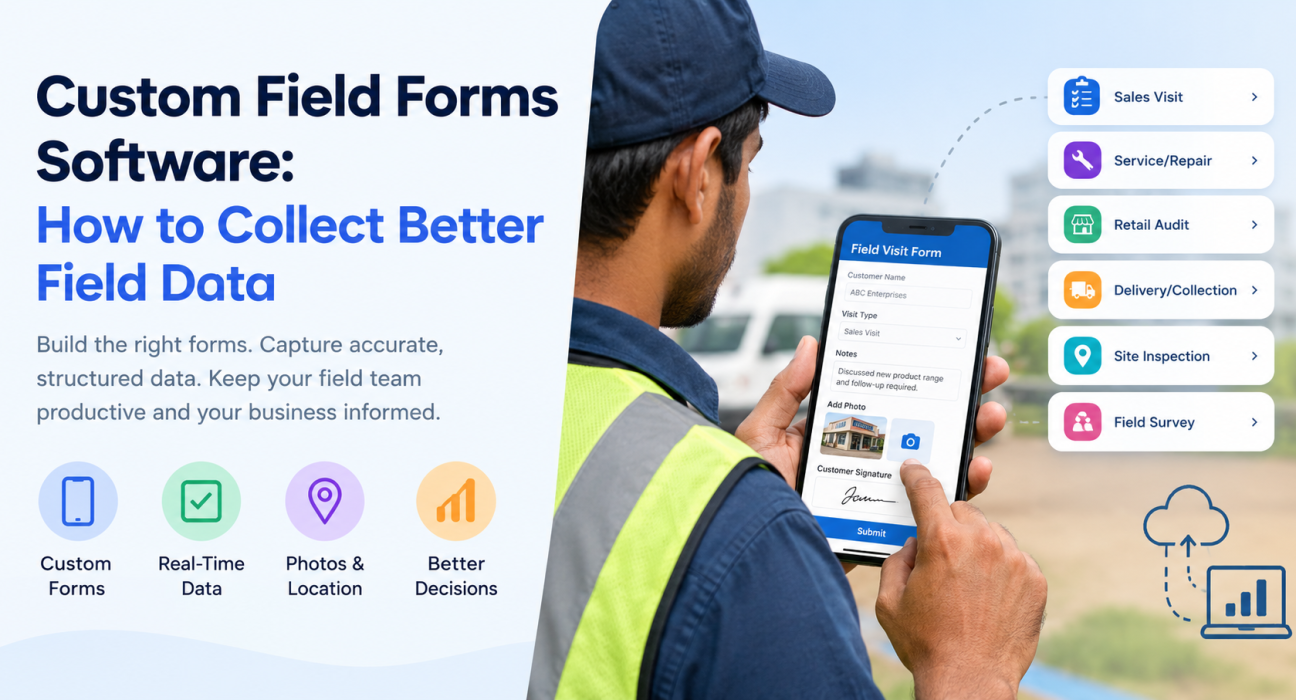
Custom Field Forms Software: How to Collect Better Field Data
Most field data problems start with the form. Paper forms get lost or filled in late. WhatsApp updates arrive in ten different formats. Generic forms ask reps for things they don’t need and skip the things you do.
Custom field forms software lets you build the exact forms your field team needs, put them on your reps’ phones, and get structured data back in real time. This guide explains what it is, why field data goes wrong, how to design forms people actually complete, and what to look for in a tool.
What Is Custom Field Forms Software?
Custom field forms software is a tool that lets a business design its own digital forms and checklists, deploy them to field employees’ mobile devices, and collect the responses in a central system. Reps fill the forms in during a visit, inspection, survey or delivery, and managers see the data as it arrives.
“Custom” means the business decides which fields appear, what type of input each one uses (text, number, dropdown, photo, signature) and where the form is used. You don’t have to adapt your process to a fixed template.
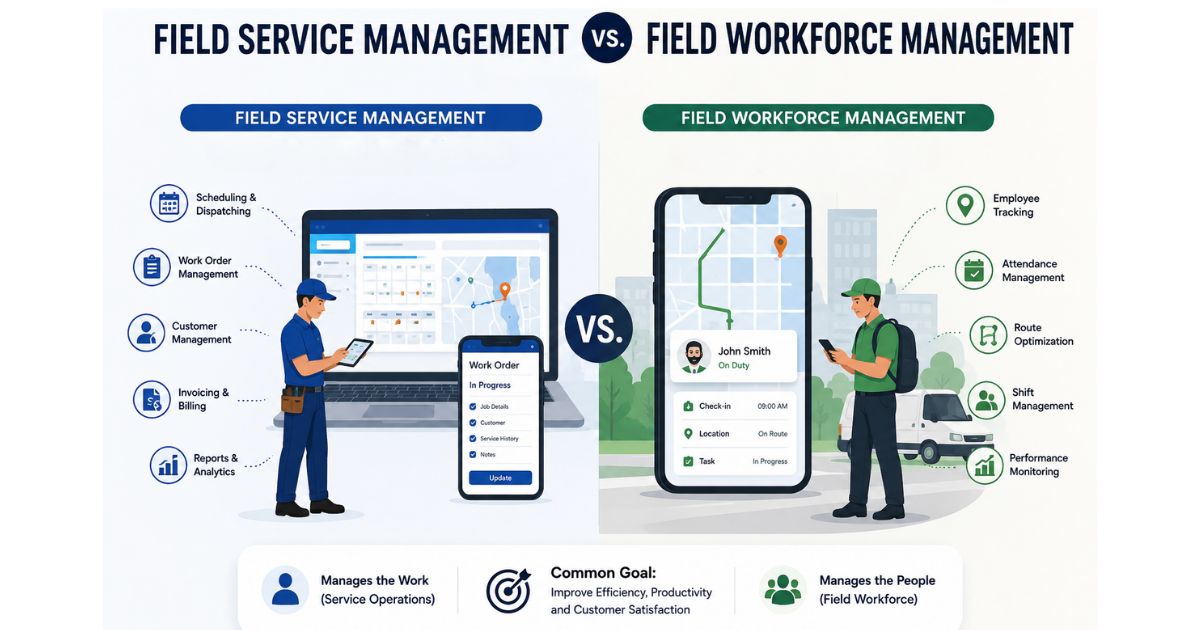
In practice, these forms are usually part of a wider field force management platform. That way form data connects to visits, tasks, attendance and reports instead of sitting in a separate tool.
Why Field Data Collection Goes Wrong
Field teams work away from the office, often with patchy networks and time pressure. That creates a predictable set of problems.
- Paper and manual entry. Data is written down first and typed in later, so delays and transcription errors creep in.
- Unstructured updates. Messaging-app photos and free-text notes can’t be filtered, compared or reported on.
- Inconsistent formats. One rep writes “done,” another writes “completed,” a third writes nothing.
- Missing proof. Without a photo, signature or location stamp, you can’t verify that the work happened.
- Forms that are too long. Reps rush through or skip fields, and data quality drops.
- Delayed visibility. Managers see problems days after they happen, when it’s too late to act.
Every one of these is a data design problem, and better forms address it directly.
What Better Field Data Looks Like
Good field data has five qualities:
- Accurate: captured at the point of work, not reconstructed from memory.
- Complete: required fields can’t be skipped.
- Consistent: the same question is answered in the same format by every rep.
- Verifiable: backed by proof such as a photo, signature, OTP or location.
- Timely: available to managers while it can still change a decision.
Judge any form, and any form tool, against these five.
How to Design Custom Forms Your Field Team Will Complete
The best field forms are short, specific and built around one task. Follow the steps below.
- Start with the decision the data supports. Ask what a manager will do with each answer. If nothing, remove the field.
- Build one form per job type. A retail shelf audit, a service call report and a payment collection need different fields. A single all-purpose form frustrates everyone.
- Prefer structured inputs. Dropdowns, checkboxes, number fields and ratings produce data you can filter and total. Save free text for genuine exceptions.
- Order fields the way the visit happens. Follow the physical flow of the job so reps don’t jump back and forth.
- Make key fields mandatory. Photos, signatures and outcome status should be required before a job can close.
- Add proof where it matters. Ask for a photo of the completed work, a customer signature or an OTP for high-value or disputed tasks.
- Pilot with a few reps. Ask where they got stuck, then trim and reword before rolling out to everyone.
Field Form Examples by Use Case
| Use case | Typical form fields |
|---|---|
| Sales visit report | Customer met, discussion outcome, order value, next follow-up date, competitor notes |
| Service or repair job | Issue found, parts used, work done, before/after photos, customer signature |
| Retail audit | Shelf availability, display compliance, stock counts, photos |
| Delivery or collection | Amount collected, payment mode, receipt photo, recipient acknowledgement |
| Site inspection | Checklist items, pass/fail status, remarks, geo-tagged photos |
| Field survey | Respondent details, structured answers, consent, supporting photo |
Features to Look For in Custom Field Forms Software
Not every form builder suits field work. Check for the following.
A no-code form builder
Operations managers should be able to create and edit forms without waiting for a developer. A drag-and-drop builder shortens the time between “we need to capture this” and reps actually capturing it.
Offline capability
Field reps work in basements, warehouses, rural areas and dead zones. The app should let them complete forms without a connection and sync the data when they’re back online.
Proof capture
Photo, signature and OTP capture turn a form from a claim into evidence. This is especially useful for service jobs, collections and audits.
Connection to visits, tasks and attendance
A form is far more useful when it’s tied to a specific visit or task and to the rep who did it. Otherwise you’re matching spreadsheets by hand.
Real-time visibility and reporting
Managers should see submitted data as it arrives, without waiting for end-of-day summaries.
Ease of use on a phone
Large tap targets, sensible defaults and short forms matter more than a long feature list. If reps dislike the app, data quality suffers.
Paper Forms vs Spreadsheets vs Digital Custom Forms
| Factor | Paper forms | Spreadsheets / chat apps | Custom digital forms |
|---|---|---|---|
| Speed of data | Delayed until typed in | Delayed or fragmented | Available on submission |
| Consistency | Low | Low to medium | High, with structured fields |
| Proof of work | Weak | Manual photos, hard to verify | Built-in photo, signature or OTP |
| Works offline | Yes | Depends on the app | Depends on the tool; check before buying |
| Reporting | Manual | Manual | Central and filterable |
| Error risk | High (re-entry) | Medium | Lower, with mandatory fields and dropdowns |
How Better Field Data Improves Operations
Once data arrives clean and on time, several things get easier:
- Faster decisions. Managers can spot missed visits, stalled jobs or recurring issues the same day.
- Fairer coaching. Consistent data lets you compare reps on the same measures.
- Stronger accountability. Proof attached to each job reduces disputes with customers and within the team.
- Less admin. Reps stop retyping notes, and back-office staff stop chasing updates.
- Better planning. Patterns in visit outcomes, service issues or stock gaps become visible over time.
How FieldExecutives Helps You Collect Better Field Data
Businesses looking to simplify these processes can use field force management software such as FieldExecutives, which includes a custom forms builder alongside its wider field operations tools.
Based on the FieldExecutives website, the platform lets teams:
- Build custom fields and forms by drag-and-drop, without writing code, so each team can capture what its work needs.
- Set job types, checklists, approvals and SLAs to match how the business runs.
- Capture proof on visits, including photos, signatures and OTP, before a job can close.
- Work offline, with the mobile app syncing data once the rep reconnects.
- Connect form data to the rest of the field workflow, including tasks, visits, attendance, expenses, collections and real-time KPIs.
The forms builder sits in the admin portal, so business owners and admins can shape forms while reps use them on Android or iOS phones. Because it’s one platform, form responses stay linked to the visit, the rep and the customer.
Teams in [Internal Link Opportunity: field service and repair industry page] and retail and merchandising, for example, can use forms for service reports and shelf audits. FieldExecutives also lists other industries, including FMCG, pharma, logistics, banking and collections.
Best Practices for Rolling Out Digital Field Forms
- Migrate one workflow first. Pick the process with the most pain, such as visit reports, and prove the value before expanding.
- Train briefly, using real jobs. A short session with actual forms beats a long presentation.
- Review form data weekly. Look for fields that are always skipped or always answered the same way, then simplify.
- Close the loop with reps. Show them how their data is used. People fill in forms more carefully when they see the results.
- Keep forms under review. Processes change, so forms should too. That’s a main advantage of a no-code builder.
Conclusion
Bad field data usually comes from bad forms: too long, too generic, unstructured or impossible to verify. Custom field forms software fixes that by letting you design short, task-specific forms, add proof where it counts, and receive the responses in real time.
Start by choosing one workflow, define the decisions the data should support, and build a form around them. Then look for a platform that keeps forms connected to visits, tasks and reporting so the data is useful as well as collected.
FieldExecutives is one option for teams that want custom forms as part of a broader field force management platform. You can see how the forms builder works in a live walkthrough and judge whether it fits your workflow.